

Photo work that holds up
Retouch, restore, and build composites with a full raster toolkit. How far you go depends on the edit, not a paywall.
Stable 3.2.4 · April 2026 release
GIMP is the GNU Image Manipulation Program: a free, open-source editor for photos and graphics on Windows, macOS, and Linux. This site covers build 3.2.4 with clear package facts, integrity checks, and install notes.
Free on Windows, macOS, and Linux · Licensed under the GPL
Where GIMP fits
The same creative roles the GIMP project calls out, paired with artwork from this site media set.
Retouch, restore, and build composites with a full raster toolkit. How far you go depends on the edit, not a paywall.
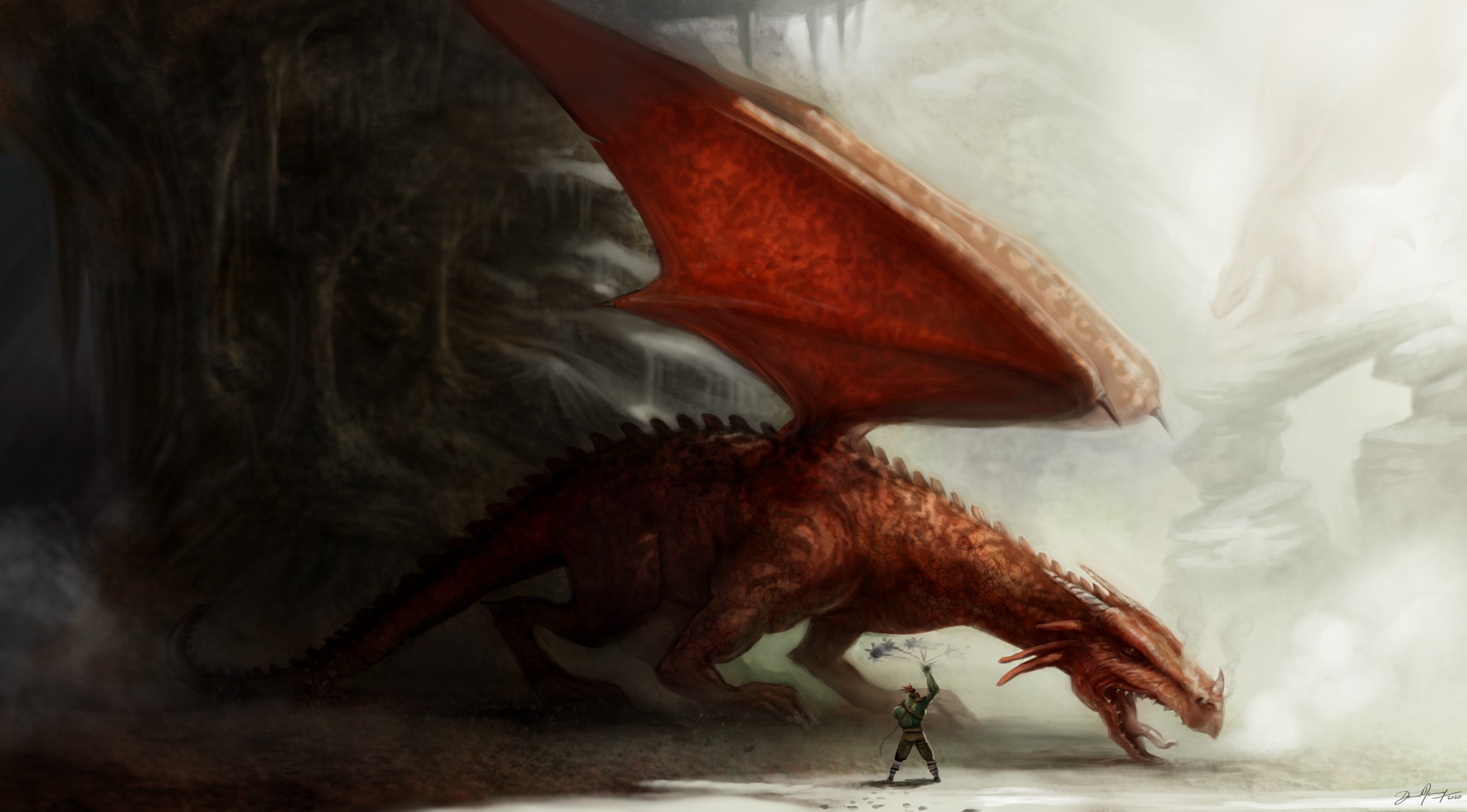
Paint and invent with brushes, layers, and the non-destructive vector tools introduced in the 3.2 series.
Color management helps keep digital and print output consistent. Many teams pair GIMP with free tools such as Scribus and Inkscape.

Python, Scheme, and other language hooks support custom scripts and plug-ins. Community add-ons show how far you can tailor the editor.
Header image: Niagara Rainbow by Ville Pätsi (CC BY)
High Quality Photo Manipulation background image by Pat David (CC BY-SA)
Original Artwork Creation background image by David Revoy (CC BY)
Graphic Design Elements background image by community contributors (CC BY-SA)
Context
Specific criteria from public feature sets and licensing, for people deciding where to download first.
| Criteria | GIMP 3.2.4 | Adobe Photoshop | Affinity Photo |
|---|---|---|---|
| License cost | Free (GPL) | Subscription | Paid license (no Adobe subscription) |
| Source code | Open source | Closed | Closed |
| Platforms | Windows, macOS, Linux | Windows, macOS | Windows, macOS, iPad |
| Non-destructive layers | Text, Link, Vector layers in 3.2 | Smart Objects, adjustment layers | Live filters and non-destructive stack |
| Plug-ins / scripts | Python, Scheme, GEGL community plug-ins | Extensive commercial ecosystem | More limited extension model |
| Learning curve | Powerful but can feel less friendly at first (Softonic reviews) | Industry standard UI polish | Designed for Photoshop switchers |
Need install help after switching? See GIMP troubleshooting guides.
Before you install
GIMP is widely trusted open-source software. Still verify hashes and signatures, especially when antivirus heuristics fire.
gimp-3.2.4-setup.exe: ec31d757dd82831d201ffcf47ffeac4175df739e0c02d5122e89aeeadfb988ccFrom real users
Language drawn from Softonic user reviews (about 3.7/5 across 29 reviews) and common forum themes. Hover the strip to pause.
“I like the simplicity of installation… compatibility with all main image formats. I have a XP-Pen Deco 01 graphic tablet for GIMP work (photo retouching). For GIMP it's powerful and well integrated.”
“Recommend it because it is free, but not that user friendly.”
“A very good app, helping a lot of editions in photos and pictures.”
“Frankly, in my opinion, GIMP is way up there with the best of them… I would highly recommend this fine utility.”
Forum users often report antivirus false positives on brand-new installers. Checking the SHA-256 against the published value is the usual fix path.
In brief
Direct answers to the searches people run before they download GIMP.
Next step
See platform builds, system requirements, changelog timeline, and SHA guidance on the download page.
Page updated 21 Aug 2026 · Facts aligned with GIMP 3.2.4 project materials